




How to Prepare Artwork for Custom Canopy Tent Printing

One of the biggest hesitations businesses have before ordering a custom canopy tent isn't the tent itself — it's the artwork. If you don't have a finished design file, or you're not sure what "print-ready" even means, that shouldn't stop you from getting a tent that looks great.
You don't need to be a professional designer to order a custom canopy tent. A logo, some images, your brand colors, a rough sketch, or even just an idea is enough to get started. At Pyrasun, our team helps turn your ideas into a finished design, with a free 3D mockup and unlimited revisions before production, so you can review and approve the final artwork before printing begins.
What Do You Need to Provide for Your Custom Canopy Tent Design?
You don't need a finished design. You just need the basic materials to get started.
Your Logo
Vector formats such as AI, EPS, SVG, or vector-based PDF work best because they can be scaled without losing sharpness. If you only have a high-resolution PNG or JPG, that's a good starting point too. Even a lower-resolution logo is worth sending — our team can assess it and let you know what's usable.
Your Brand Colors
Your standard brand colors, Pantone references if you have them, or any existing brand guidelines help keep the finished tent consistent with your other marketing materials.
Your Images and Graphics
Product photos, brand graphics, promotional images, or background images can all be incorporated into the design. Original, high-resolution files generally provide the best results.
Your Text and Contact Information
Provide any information you want printed on the tent, such as your company name, website, phone number, email address, slogan, or QR code. Check that all text and contact details are correct before approving the final artwork.
Your Design Ideas
You don't need a finished design concept, and you don't need design software. A rough sketch, a reference photo, a screenshot from your website, a photo of a tent you liked, or even a note like "logo on top, product photo on the back wall" is enough to work from.
Don't Have Print-Ready Artwork? That's OK.
You don't need to create a finished production file yourself. You don't need Adobe Illustrator, you don't need to understand printing techniques, and you don't need to lay out complex panel designs on your own.
Our team can help with layout, logo placement, graphics arrangement, text placement, panel design, and print-ready artwork preparation. Send us what you have, and we'll help turn it into a custom canopy tent design.
How Our Free Custom Canopy Tent Design Process Works
Step 1: Send Your Logo, Images, and Ideas
Share whatever materials you already have — even if it's just a logo. If you have specific colors, graphics, branding requirements, or reference designs, include those as well.
Step 2: We Create Your Custom Tent Design
Our team builds a design based on your tent size, wall configuration, brand identity, and any specific artwork requirements you've shared.
Step 3: Receive a Free 3D Design Mockup
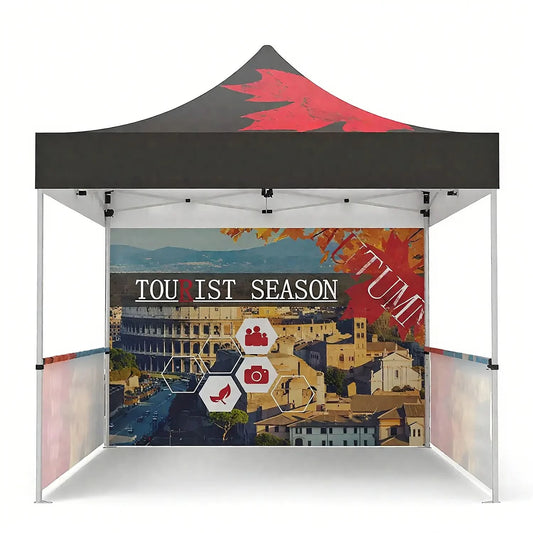
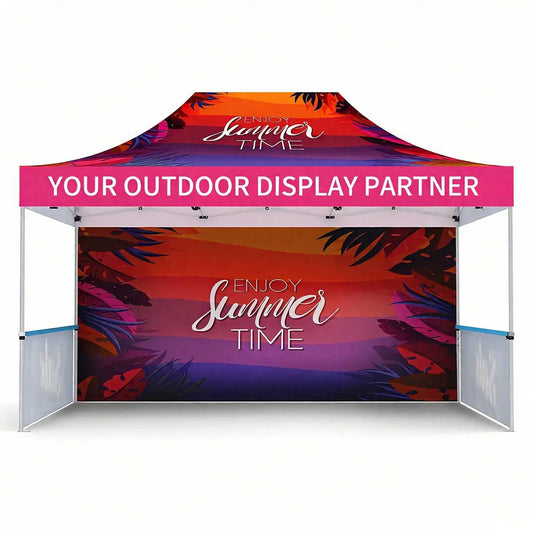
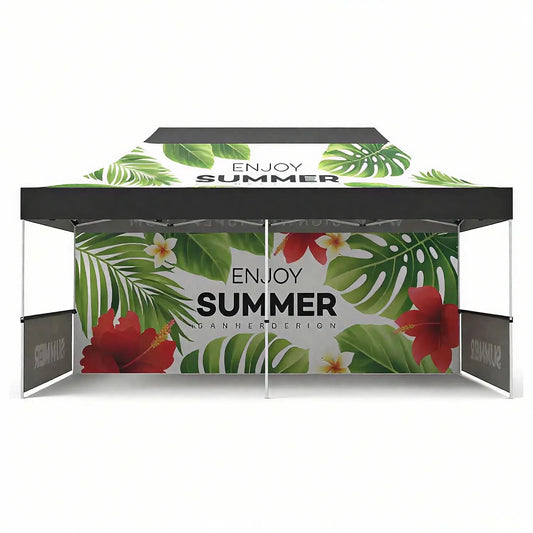
You'll receive a free 3D mockup showing the proposed canopy top, valances, sidewalls, logo placement, and overall branding before production. This allows you to review the complete design and see how the different printed panels work together.
Step 4: Review and Request Revisions
Ask for changes to logo positions, colors, images, text, or layout. Pyrasun offers unlimited design revisions before production, allowing you to refine the design until you are satisfied with the layout.
Step 5: Approve the Final Artwork
Review the final design, including all graphics, text, colors, and panel orientations. Once you approve the artwork, we move into production.
How to Create Effective Custom Canopy Tent Artwork
If you want to put together your own design direction, a few principles can help make your branding more recognizable and readable at an event.
Make Your Logo Easy to See
A logo that's instantly recognizable from a distance does more work than a highly detailed one that's hard to make out until someone is standing right in front of it.
Keep Text Short and Readable
Attendees are scanning, not reading — a few clear words often work better than a long sentence. Use readable fonts and sufficient contrast between text and background colors.
Use High-Quality Images
Low-resolution images that look fine on a screen can appear blurry once scaled up to tent size. Whenever possible, provide the original image files rather than screenshots or compressed copies.
Avoid Overcrowding the Design
A tent isn't a webpage — too much information reduces how quickly people can recognize your brand from a distance. Give your primary logo and important messages enough visual space.
Design for Real-World Event Viewing
Think about how the tent will actually be seen — from a distance, from different angles, and in a crowded environment — rather than how it looks on a screen up close.
Basic Artwork Requirements for Custom Canopy Tent Printing
You don't need to become a print expert. These requirements are mainly useful if you're supplying your own artwork or want to understand what our team checks before production.
Recommended File Formats
Vector formats such as AI, EPS, SVG, and vector-based PDF are preferred for logos, text, and illustrations because they can be enlarged without losing sharpness.
High-resolution raster formats such as TIFF, PSD, PNG, and JPG can also be suitable for photographs and detailed images. The suitability of a raster file depends on its original resolution, image quality, compression, and final printing size.
Image Resolution
Vector graphics can be scaled without the resolution limitations that apply to raster images.
For raster artwork, approximately 150–300 PPI (pixels per inch) at final print size may be suitable for highly detailed graphics. Lower resolutions may be acceptable for large graphics viewed from a distance. The appropriate resolution depends on the artwork, viewing distance, and printing system.
Increasing the resolution setting of an existing low-quality image does not automatically restore missing image detail. Whenever possible, provide the original high-resolution file.
Color Requirements
CMYK is commonly used for full-color print production, although the preferred file color space depends on the manufacturer's printing workflow.
If you have specific brand colors, provide Pantone references or existing brand guidelines to help improve color consistency.
Keep in mind that colors displayed on a computer screen or 3D mockup may differ from the final printed fabric. Fabric characteristics, ink, printing methods, and color management can all affect the finished result. If precise color matching is critical, discuss proofing or sample options before production.
Bleed and Safe Zone
Bleed is the extra artwork that extends beyond the intended finished edge of a printed panel. It helps prevent unwanted unprinted edges during cutting and assembly.
The safe zone is the area within a panel where important logos, text, and graphics should remain to reduce the risk of interference from seams, stitching, or trimming.
Leave sufficient bleed around your artwork and keep important information away from edges, seams, folds, doors, and windows. Follow the manufacturer's artwork template for your specific tent configuration, since exact dimensions and production allowances vary by panel and manufacturing method.
Fonts and Linked Images
When supplying your own production artwork, convert fonts to outlines or embed them where appropriate. Make sure any linked images are embedded or included with the design files so that important graphic elements are not missing when the artwork is opened for production.
Designing Artwork for Different Canopy Tent Panels
Different parts of a custom canopy tent serve different branding purposes, so not every panel needs to carry the same amount of information.
Canopy Top
The canopy top is well suited to a large main logo, brand name, mascot, or simple graphic intended to be recognized from a distance. Keep important graphics within individual roof panels and account for the sloped shape of the assembled canopy.
Back Wall
A full back wall provides a large vertical surface for main branding, product imagery, promotional graphics, or detailed backgrounds. Consider whether tables, products, or people may block important parts of the design.
Sidewalls
Design sidewall artwork with viewing direction in mind. Consider any doors, windows, seams, or other structural features that may affect graphic placement.
Valances
The valances are well suited to horizontal logos, brand names, short slogans, website addresses, and phone numbers. Keep the information concise and readable.
For a detailed comparison of branding locations and panel layouts, see our Custom Canopy Tent Logo Placement Guide.
Artwork Considerations for Different Printing Methods
Different printing methods have different artwork, fabric, and production requirements.
- Dye sublimation printing: Well suited to full-color graphics, photographs, gradients, and complex designs on compatible polyester fabrics.
- Screen printing: A practical option for simple logos, text, and graphics with a limited number of solid colors, particularly for larger production quantities.
- Digital printing: Can be considered for detailed artwork, smaller production runs, and specialized printing requirements, depending on the selected fabric and printing system.
You don't need to determine the printing method before contacting us. Our team can help evaluate your artwork, fabric requirements, and order quantity to identify a suitable production approach.
For more information about printing methods, fabric compatibility, and outdoor performance, see our Custom Canopy Tent Printing Guide.
Common Artwork Problems to Avoid
Low-Resolution Images
Images pulled from a website or a screenshot often don't have enough resolution for clean printing at tent size. Use original image files or vector graphics whenever available.
Logo or Text Too Close to the Edge
Elements placed too close to a seam, fold, or edge can be affected by the tent's construction. Keep important graphics and text within the recommended safe zone.
Fonts Not Properly Prepared
Fonts that aren't outlined or embedded can be substituted or display incorrectly during production. Prepare fonts appropriately when supplying editable or print-ready artwork.
Missing Bleed
Without sufficient bleed, cutting and assembly can leave unwanted unprinted edges around the design. Follow the artwork template for the selected tent panels.
Incorrect Panel Placement or Orientation
Artwork intended for a front-facing panel may not work correctly on a sidewall or rear panel. Confirm the placement, orientation, and viewing direction of each printed panel before approving the design.
Too Much Information
A tent isn't read the way a webpage is — too much text or too many elements reduce how easily your brand is recognized from a distance. Prioritize the main logo and essential supporting information.
Incorrect Contact Information or QR Codes
Check website addresses, phone numbers, email addresses, spelling, and other contact details before approving the final design. If you include a QR code, make sure it has sufficient contrast and clear space around it, and test that it directs users to the correct destination.
Custom Canopy Tent Artwork Checklist
Use this checklist when preparing materials or reviewing your final canopy tent design:
- Tent size confirmed (10x10, 10x15, or 10x20)
- Wall configuration confirmed
- Logo provided in the best available file format
- Original images and graphics provided, if required
- Text and contact information checked
- Brand colors or color references provided
- Design ideas or reference images provided
- Logo placement and panel orientations checked
- Important elements kept away from seams and edges
- QR codes checked, if applicable
- 3D mockup reviewed
- Final artwork approved before production
Don't have everything on this list? That's okay. Send us what you have, and we'll help with the rest.
Frequently Asked Questions
Do I Need to Design My Own Custom Canopy Tent?
No. You can provide your logo, images, brand colors, and design ideas, and Pyrasun's team can create a custom canopy tent design for you. You don't need professional design software or a finished print-ready file to get started.
What Do I Need to Provide for a Custom Canopy Tent Design?
Provide your logo, brand colors, any images or graphics you want to include, text, contact information, and any design ideas or references you have. If you only have a logo, that's enough to begin the design process.
What File Format Should I Use for Custom Canopy Tent Printing?
Vector formats such as AI, EPS, SVG, and vector-based PDF are preferred for logos and text because they can be scaled without losing sharpness. High-resolution TIFF, PSD, PNG, and JPG files can also be suitable for photographs and detailed raster graphics.
What Resolution Should My Canopy Artwork Be?
For raster artwork, approximately 150–300 PPI at final print size may be suitable for highly detailed graphics. Lower resolutions may be acceptable for large-format graphics viewed from a distance. Vector artwork can be scaled without the same resolution limitations. The appropriate resolution depends on the artwork and printing requirements.
Can I Send a JPG or PNG Logo?
Yes. A high-resolution JPG or PNG can be used as a starting point. Vector files are generally preferred for logos because they provide greater flexibility when scaling. If you only have a lower-resolution image, our team can evaluate it and recommend a suitable approach.
Can I Review and Revise My Tent Design Before Production?
Yes. Pyrasun provides a free 3D design mockup and unlimited design revisions before production. You can request changes to logo placement, colors, text, graphics, and panel layouts before approving the final artwork.
Final Thoughts
Preparing artwork for a custom canopy tent doesn't have to be complicated. Providing the best available logo files, original images, accurate brand colors, and clear design ideas helps create a design that is suited to your branding and printing requirements.
Whether you have a complete design or only a logo, Pyrasun can help prepare the artwork for your custom canopy tent, provide a free 3D mockup, and refine the design before production begins.
Get a Free Custom Canopy Tent Design & Quote
Share your logo and project details. Get a free 3D design preview and a personalized quote for your branded canopy tent.